KNOX COUNTRY SURVIVAL
Project Zomboid Server Hosting
Host a Project Zomboid server for your group. Survive Knox Country together, tune the sandbox settings, add Workshop mods and keep the world running between sessions.
4 Slots
- DDoS protection
- Full file access
- Backups and file access
- Server setting control
12 Slots
- DDoS protection
- Full file access
- Backups and file access
- Server setting control
24 Slots
- DDoS protection
- Full file access
- Backups and file access
- Server setting control
Custom
- DDoS protection
- Full file access
- Backups and file access
- 4 - 24 Slots
Game overview
What is Project Zomboid?
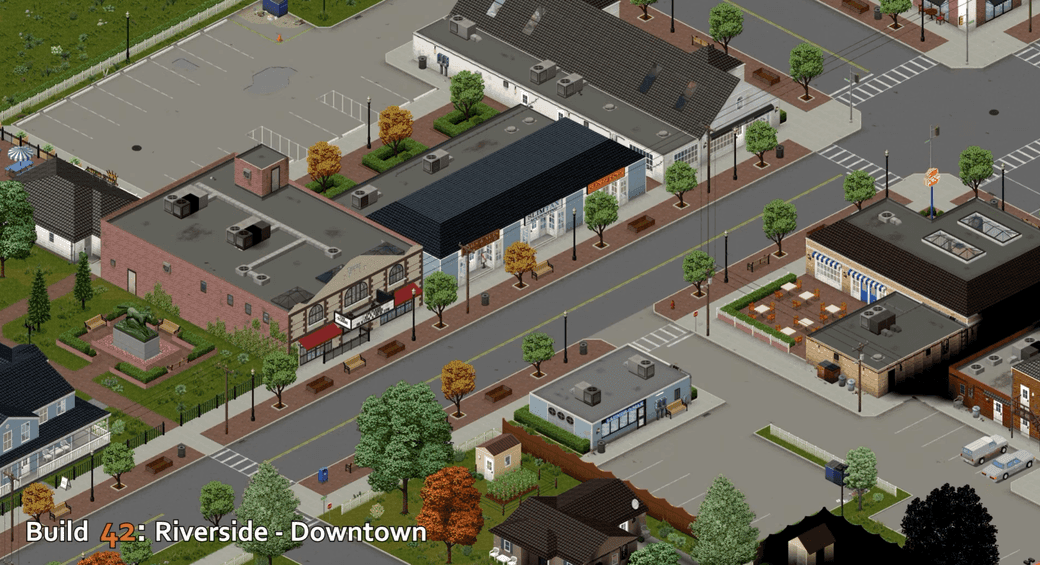
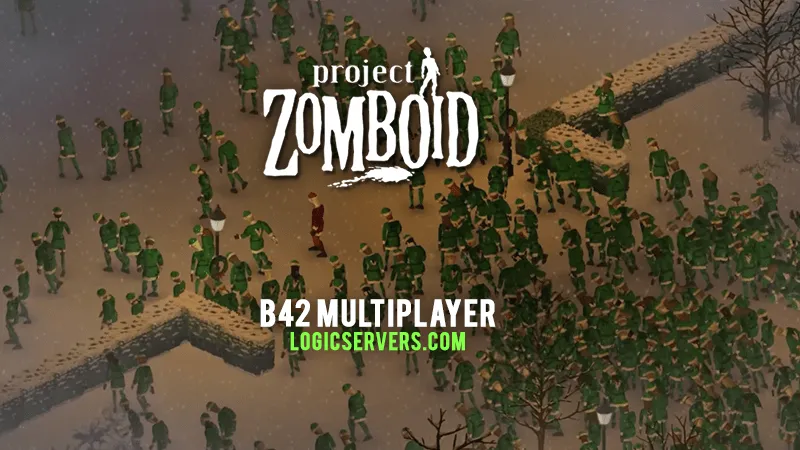
Project Zomboid Build 42 with multiplayer support is now available on our servers. Select the B42 branch from the control panel, and you can be playing within a few minutes. You can also read more in our blog post Project Zomboid B42 multiplayer released.
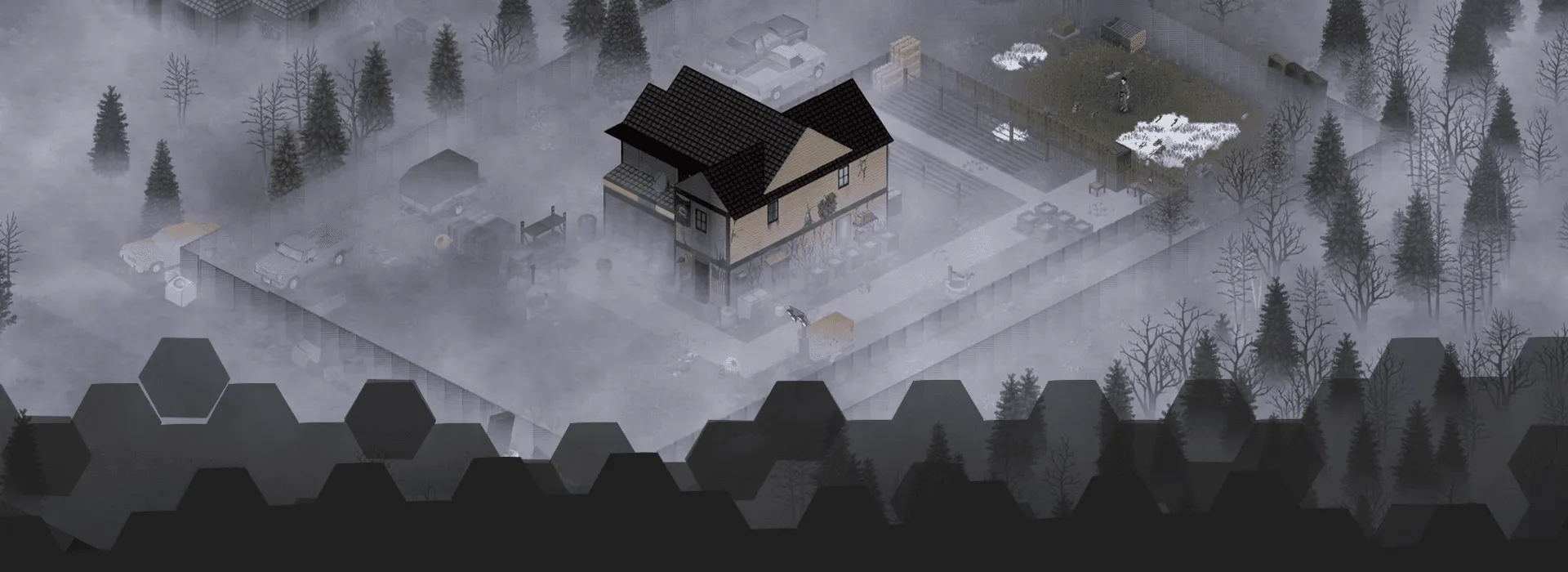
Project Zomboid is a hardcore zombie survival sandbox set in Knox Country. You spawn with almost nothing, the power and water will eventually fail, and the only real goal is simple: stay alive for as long as you can.
You raid houses for food, tools and medicine, rip up sheets for bandages, and turn half-smashed suburbs into makeshift bases. Every noise you make risks dragging a horde to your front door, and every bad decision can be the one that finally gets you bitten.
There is no scripted rescue, no magic cure and no happy ending. At some point you will die. The fun is seeing how long the group can push that back, and what kind of safehouse, routines and stupid stories appear before it happens.
A shared Project Zomboid server keeps that world in one place. The map, safehouses, loot, vehicles, character progress and half-finished plans are still there when the next person joins, instead of the save living on whoever happened to host last time.
Our Project Zomboid server hosting gives you panel restarts, console access, configuration files, full file access and backups, so the group can look after the save without leaving a home PC running. Keep it as a private co-op run, tune the sandbox for a harder world, or build something longer-term for a small community.
If you want to read more about the game itself, including the latest build notes and features, head over to the official Project Zomboid Steam page.
PZ Unstable B42 Multiplayer Trailer
Watch the Project Zomboid Build 42 multiplayer session where the devs somehow saved Christmas.
Checkout the trailer!
This is the official Project Zomboid trailer.
Included Server Features
PROJECT ZOMBOID MODS AND MAPS
Make the Project Zomboid save play your way
Project Zomboid's Steam Workshop is massive, with tens of thousands of mods, maps and tweaks that can completely change the way a server feels. Extra towns, vehicles, traits, weapons, quality-of-life changes, UI tools and harder zombie setups are all common once a group wants more than the plain survival run.
You can absolutely build a heavily modded server. The bit that matters is making sure the group can still get back into the same save afterwards, so add the Workshop IDs, check dependencies and take a backup before bigger changes. That lets you try more without risking the whole run.
Use the browser below to find the Workshop pages, then manage the actual server side through the panel, config files and file access. It keeps the experimenting fun without turning the save into a guessing game every time something updates.
WORKSHOP MODS
Steam Workshop content
Add the maps, vehicles, traits, items or quality-of-life mods your group wants to play with.
MAPS AND WORLDS
Build beyond Knox County
Use map mods or move an existing save when the group wants a different route through the apocalypse.
SANDBOX SETTINGS
Loot, zombies and pace
Tune zombie behaviour, loot, sleep, safehouses and other server settings around the run you want.
BACKUPS
Change things safely
Back up before adding mods, changing maps or editing config, so one bad change does not ruin the save.
Project Zomboid Workshop mods
Browse Project Zomboid mods on Steam
Use the Steam browser here when you want ideas for a Project Zomboid server setup, whether that is new towns, vehicles, traits, weapons, UI tools or tougher zombie settings. Pick out what suits the group, then check the notes below before adding anything to a save people care about.
60k+ Mods
Project Zomboid Workshop content to browse before changing the save.
Check dependencies
Open the Steam item before adding it to your server setup.
Changing an existing save?
Add mods in small batches, check dependencies and take a backup before restarting the server. It is much easier to roll back one change than untangle a broken mod list later.
0 of 0 results
All results loaded
Why choose LogicServers?
Get a hosted Project Zomboid server with panel access, automated network protection and support around the service. It is for groups that want the server online without running the machine themselves, while still having control over the settings, files and supported mods or plugins.
DDoS Protection
Automated network protection is included with our game servers, so common attacks are filtered before they become your problem.
Instant setup
Order, pay and the server is provisioned automatically, ready for you to configure from the control panel.
Mod support
Use supported mods, plugins and custom files where the game allows it. If a one-click option is not listed, you can still work with the server files directly.
Fast servers
Game servers run on fast hardware with SSD storage and sensible network locations, so players are not fighting the host before they fight the game.
Support when needed
If you get stuck with setup, config, files or an order question, our support team can help without treating every server like the same problem.
Control panel
Use the game panel for console access, files, configuration, backups and common server actions from your browser.
Our Server Locations
Choose a server location that is closest to your target audience for optimal performance.
London
Frankfurt
Stockholm
New York
Dallas
Chicago
Los Angeles
Sao Paulo
Singapore
Sydney
Melbourne
Trusted By Players
Players regularly mention quick setup, useful support and simple server management once their world is live.
"No other server host i've tried can even come close to matching their customer service. They go above and beyond to provide a smooth, enjoyable experience. i won't even consider using another host for anything i do. Highly recommend..."
"Customer service is fast and helpful every time."
"I've been renting a server from LogicServers for almost a year now and have been massively impressed with their service. As someone relatively new to server management, I’ve made a few rookie mistakes—but their support team has been incredibly helpful and patient throughout. Response times are excellent, and the level of customer service is truly top-notch. I highly recommend LogicServers to anyone looking for reliable hosting with outstanding support, even for new server managers...."
"Absolutely an amazing service. Been using them for under 3 months, I can’t explain how many times I screwed up my server properties. But anytime I issued a ticket, within the hour I would receive a response with the issue fixed...."
"Excellent support from extremely competent and nice people. Kept me informed through the whole day. And never gave up. 10/10 😎"
"I was able to switch my region myself and for free. I have not had any downtime either. Updating the server is easy."
Latest Project Zomboid News and Guides
Project Zomboid updates, server hosting notes and setup guides for running your own server.
Project Zomboid Hosting FAQ
Answers on Build 42, mods, settings, saves, and performance.